'Tracker Found Moving With You' on Android: What It Means
Android's unknown tracker alert fires when a stray Bluetooth tag travels with you. What it means, which devices trigger it, and what to do, including when to call police.
On this page 10 sections
- What created the Android tracker alert system
- Exactly what the alert means
- Which trackers can trigger it
- How to use the alert: the exact tap sequence
- Why Airplane Mode Does Not Help, and What Does
- Three scenarios and the right response to each
- Triggering a manual scan (if you did not get an alert)
- What the Android alert cannot detect
- The DULT standard: why this matters beyond AirTag
- Your rights and what to do with the information
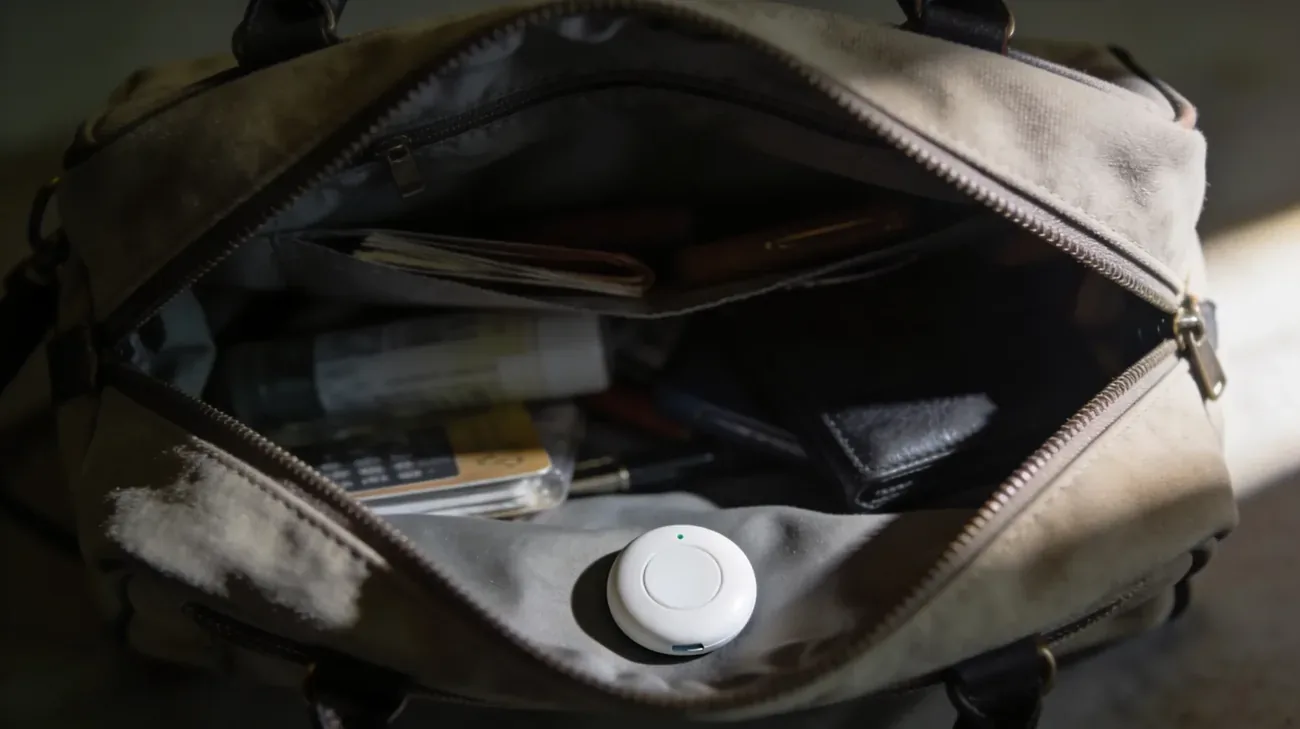
Your Android phone just sent you a notification: “Unknown tracker alert” or “Tracker found moving with you.” You are not being dramatic if this unsettles you. The alert is real, it is specific, and it means a Bluetooth tracking device not registered to you has been near you long enough for Android to flag it.
The good news: fewer than 5% of these alerts turn out to be malicious tracking. Apple’s internal review of similar alert data from the joint Apple-Google tracker specification work suggests the overwhelming majority are borrowed items, a traveling companion’s keys, a rental car with a dealer-installed tag, or someone’s backpack that sat next to yours on a commute. Android’s system will also catch these.
That said, the minority case is real. This article explains exactly what the alert means, which devices trigger it, how to find the tracker, how to preserve evidence, and when to call police.
Key Takeaways
- The alert fires when a foreign Bluetooth tracker has traveled with you for an extended period. It is built into Android 6 and newer via Google Play services, with no app installation required.
- It covers Apple AirTags and Find Hub-compatible tags (Chipolo, Pebblebee, eufy, Jio, Motorola). It does not cover GPS hardwired trackers.
- Tap the notification to open a map of where the tag was detected near you. Tap Play Sound to hear where it is. The owner is not notified when you play sound.
- Turning on Airplane Mode or disabling Bluetooth does not stop the tracker from reporting. You must physically disable the device.
- If you believe the alert is not a false positive, document before you disable: screenshot the serial number, photograph the tag in place, and note the map.
- Safety first: 1-800-799-7233 (National Domestic Violence Hotline, 24/7) or 911 if you are in immediate danger.
What created the Android tracker alert system
For most of Bluetooth tracker history, iOS got the protection and Android did not. Apple introduced the “AirTag Found Moving With You” alert for iPhones in April 2021 alongside the AirTag launch. Android users had nothing automatic. The only option was Apple’s manual-scan Tracker Detect app, released December 2021, which required you to open it yourself and tap Scan.
That asymmetry ended in mid-2024. In May 2024, Apple and Google jointly published the Detecting Unwanted Location Trackers (DULT) specification, a cross-industry standard drafted at the Internet Engineering Task Force (IETF) in 2023. The specification defines exactly how a phone should detect, identify, and alert users to an unknown tracker, regardless of which company made the tracker or the phone. Google rolled out built-in Unknown Tracker Alerts to Android 6 and newer in July 2024, delivered through Google Play services, meaning the feature arrived on hundreds of millions of existing Android devices without a system update.
The DULT standard also opened the door for other tracker manufacturers (Chipolo, Pebblebee, eufy, Jio, and Motorola among them) to commit to making their devices DULT-compliant. That means an Android phone can now alert you to a growing universe of Bluetooth tags, not just AirTags.
Exactly what the alert means
The Android unknown tracker alert fires when three conditions are met simultaneously:
- A Bluetooth tag in your vicinity is not registered to your Google or Apple account.
- The tag has traveled with you for a period of time. It keeps appearing near your phone as you move, rather than staying in one place.
- The tag’s owner’s phone is separated from the tag. The tracker is away from its registered owner.
The exact time threshold Google uses is not published. Apple’s iOS equivalent requires roughly several hours of travel. The Android system uses a similar “traveling with you” heuristic tuned to minimize false positives during short encounters.
The alert is generated locally by your phone. It is not sent to you by Apple, Google, or the tracker’s owner. Your phone detected the Bluetooth signal and made the determination. The owner does not know you received the alert.
When you tap the notification, Android shows you a map of the locations where the tracker was detected near you, not where the tracker is right now relative to your current position. This helps you understand the pattern: was it with you since your morning commute, or since a specific stop?
Which trackers can trigger it
As of mid-2026, the Android unknown tracker alert covers:
| Tracker | Network | Alert status |
|---|---|---|
| Apple AirTag | Apple Find My | Covered |
| Chipolo ONE Point | Google Find Hub | Covered |
| Pebblebee Clip / Card | Google Find Hub | Covered |
| eufy SmartTrack Link | Google Find Hub | Covered |
| Motorola Moto Tag | Google Find Hub | Covered |
| Samsung SmartTag2 | Samsung SmartThings | Partial (varies by firmware) |
| GPS hardwired trackers | Cellular / GSM | Not covered |
The alert does not catch GPS devices that use cellular networks. The magnetic box someone attaches to a car frame with its own SIM card. Those transmit over 4G/5G, not Bluetooth, and your phone has no way to detect them passively. If you suspect a hardwired GPS tracker on your vehicle, see how to detect a GPS tracker on your car for a physical search procedure.
How to use the alert: the exact tap sequence
Google’s official instructions, sourced from Android Help Article 13658562, break the response into these steps:
- Tap the notification. This opens a map showing where the tracker was detected traveling with you.
- Read the tracker info. The notification identifies the type of device (AirTag, Find Hub tag, etc.) and the manufacturer.
- Tap Play Sound. The tracker emits an audible tone. Walking slowly through your bag, jacket, car seats, and stroller while the sound plays is the fastest way to narrow down location. Playing the sound does not alert the tracker’s owner.
- Follow the sound. Most AirTag speakers are loud enough to hear from 2 to 3 meters in a quiet room. Find Hub tags vary by model.
- Once found, tap Next Steps. Android walks you through getting the tracker’s identifying information.
- Scan the tracker with your phone (NFC or camera). For AirTags, hold the back of the tracker near the top of your phone. NFC reads the serial number and links to a support page. For Find Hub tags, follow the on-screen instructions to reveal the device identifier and a hashed (hidden) owner email address.
- Screenshot everything. Serial number, device identifier, the map showing travel history, the timestamp on the notification. This is your evidence package.
Why Airplane Mode Does Not Help, and What Does
A common instinct after getting the alert is to switch to Airplane Mode or turn off Bluetooth to “block” the tracker. This does not work. The tracker broadcasts Bluetooth Low Energy signals passively to every phone nearby. When you disable your own Bluetooth, your phone stops receiving those signals. The tracker keeps broadcasting regardless. Any other phone within range continues to relay the tracker’s location through the Find My or Find Hub network back to its owner.
The only way to stop the tracker from reporting is to physically disable it:
- AirTag: Twist the back counterclockwise and remove the CR2032 battery.
- Find Hub tags (Chipolo, Pebblebee, eufy): Follow the manufacturer’s instructions. Many have a button-hold sequence that puts the tag into pairing mode or powers it off. The instructions appear in the Android alert’s Next Steps screen.
- Unknown tag you cannot identify: Do not destroy it immediately. See the evidence section below first.
One critical note from Google’s documentation: some trackers factory-reset when turned off. A factory-reset tracker loses its link to its original owner, which means law enforcement cannot later retrieve owner information from the device. If you are in a situation where you may need police involvement, document the serial number and device identifier before disabling.
Three scenarios and the right response to each
Scenario 1: Almost certainly a false positive
Signs: You borrowed a backpack, coat, or keys from someone. You were in a shared rideshare or taxi recently. You just returned a rental car. You traveled with a family member or friend who uses Bluetooth trackers.
What to do: Check the obvious items first. If you find the tag and recognize the context (your friend’s keys were in your coat pocket), return the tag. No further action needed. The alert was doing its job accurately: there was an unknown tag near you.
Scenario 2: Cannot explain the tag
Signs: You found the tracker but cannot identify whose it is or how it got there. You have no shared items, no recent rideshares, no traveling companions with trackers.
What to do: Document first, disable second. Screenshot the serial number and device identifier from the alert screen. Photograph the tag in its location before you move it. If it is on your vehicle, photograph it in place (wheel well, under bumper, near license plate) before removal. Then follow the disable instructions.
After disabling, keep the tracker in a sealed plastic bag. Do not throw it away. File a police report. Bring the screenshots, photographs, and the physical device. The serial number connects back to the Apple ID or Google account that registered the tag; law enforcement can subpoena that record.
Scenario 3: You believe someone specific is tracking you
Signs: You recognized the tracker’s location pattern. It first appeared when you visited a specific person, place, or situation. You have a restraining order, an ongoing custody dispute, or a domestic situation where covert tracking fits the pattern.
What to do: Safety before evidence if you are at risk. Call 1-800-799-7233 (National Domestic Violence Hotline, 24/7) or visit stopstalkerware.org for a safety plan that accounts for your specific risk level. In some situations, advocates recommend moving the tracker onto a public transit vehicle (a bus or train) so it reports false location data while you reach safety, rather than removing it immediately and triggering the owner’s suspicion that you found it.
For the full sequence of evidence preservation, police report preparation, and the federal statute that applies, see the detailed guide on what to do in the first 30 minutes after finding a tracker.
Triggering a manual scan (if you did not get an alert)
The automatic alert fires after extended travel with a tag. If you have a specific reason to suspect a tracker is near you right now (a concerning encounter, a new environment), you can force an immediate scan:
- Open Settings on your Android phone.
- Search for “Unknown tracker” in the Settings search bar.
- Tap Scan now.
Android will scan for Bluetooth trackers in your immediate vicinity and report any it identifies. This is useful in hotels, after visits, or any time you want to check proactively. On devices running Android 6 through older versions without the Google Play services update, this menu may not appear. In that case, install Apple’s Tracker Detect app from the Google Play Store for manual AirTag scanning.
What the Android alert cannot detect
Understanding the limits prevents overconfidence:
- GPS trackers with SIM cards. These transmit over cellular, not Bluetooth. They do not show up in any Android alert.
- Older non-DULT Bluetooth trackers. A first-generation Tile tracker not updated to DULT firmware may not trigger the alert.
- Stalkerware on your own phone. Software installed on your phone that records location and sends it to someone else is a completely different threat from a physical Bluetooth tracker. The Android alert does not detect apps. For software-based tracking on Android, see how to detect if your phone is being tracked.
- Wi-Fi-based tracking. Some retail stores use Wi-Fi probe tracking. This is not covered by the alert.
The DULT standard: why this matters beyond AirTag
Before the DULT specification, tracker manufacturers had no obligation to notify non-owners. Apple implemented its own AirTag alerts unilaterally in 2021, a response to widespread reporting of AirTags being used for stalking. Samsung added SmartTag alerts separately. But the ecosystem was fragmented: an Android user who happened to be near a Tile tracker had no automatic protection.
The DULT specification changes this by setting minimum requirements any tracker manufacturer must meet to be considered privacy-safe. These include: broadcasting a discoverable signal when separated from the owner for a threshold period; supporting a standard mechanism to play sound on command; and providing a method for a non-owner to retrieve a hashed owner identifier. Apple and Google built these requirements into their respective platforms simultaneously.
The practical result: an Android phone receiving an alert about an AirTag is using the same underlying detection logic as one receiving an alert about a Chipolo tag. The UI is slightly different; the protection is equivalent.
Your rights and what to do with the information
The alert gives you actionable information: a serial number, a device identifier, a travel map. That information has legal weight.
Federal statute 18 U.S.C. § 2261A prohibits stalking using electronic surveillance across state lines. Planting a tracker on someone without consent typically satisfies the statute’s element of “causing substantial emotional distress.” California Penal Code § 637.7 directly prohibits placing tracking devices on vehicles without consent. Most other states have equivalent statutes under stalking or harassment codes. WomensLaw.org maintains a searchable database by state.
Apple and Samsung both cooperate with law enforcement subpoenas for tracker registration data. A serial number from an AirTag connects to the Apple ID used to register it. A Find Hub tag’s device identifier connects to the Google account. Police can request that information with a court order.
One practical reality: police response to Bluetooth tracker evidence varies by jurisdiction. Some departments have digital forensics units familiar with tracker subpoenas; others are still learning. If the first responder seems unfamiliar, ask specifically for a detective or a domestic violence unit. Bring printed screenshots. Physical paper is harder to dismiss than a phone screen.
If you believe you are in ongoing danger, contact an advocate before or alongside police. The NNEDV Safety Net Project (nnedv.org/spnetwork) trains advocates in tech-enabled abuse and can help you sequence these steps to minimize risk.
The Android unknown tracker alert is the result of two years of industry-level cooperation between Apple and Google, finalized in a published specification, and deployed to hundreds of millions of devices simultaneously in 2024. It is not perfect. It misses GPS trackers, it has false positive rates, and it arrived later than it should have. But for the most common category of covert Bluetooth tracking, it is real protection. When the notification appears, you have the tools to respond calmly, document carefully, and act with evidence rather than panic.
Questions & answers
Things readers ask about this
7 questions · updated Jun 2026