Bought an iPhone That's Activation Locked? What You Can Do
You cannot bypass Activation Lock without the original Apple ID. Here is what you actually can do: contact the seller, use Apple's removal process, or report it stolen.
On this page 9 sections
- Why Activation Lock exists and why you cannot bypass it
- Path 1: Contact the seller and ask them to remove it remotely
- Path 2: Apple’s proof-of-purchase removal process
- Path 3: Dispute the charge with your payment provider
- Path 4: Report the phone if you suspect it’s stolen
- The scam you will find in search results: “iCloud unlock services”
- How to check for Activation Lock before buying a used iPhone
- What “Activation Lock On” actually means at checkcoverage.apple.com
- Your realistic options, ranked by likelihood of success
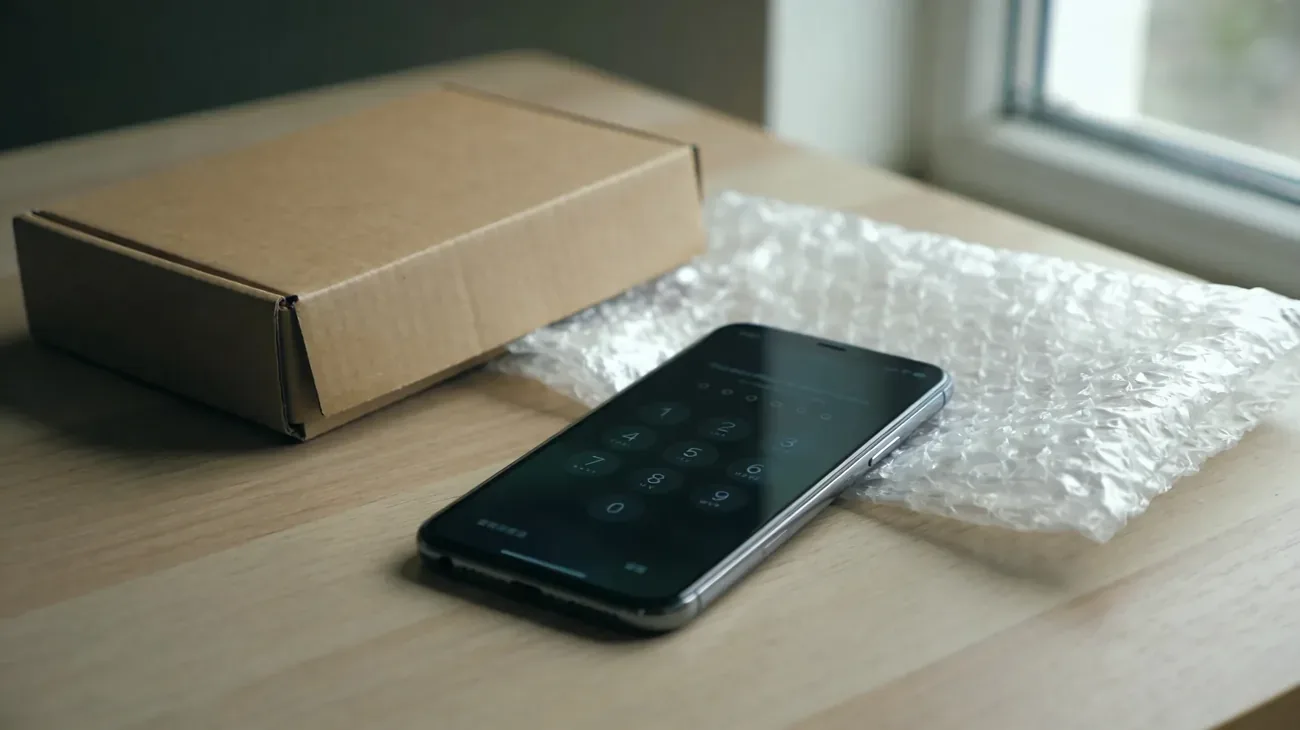
You bought a secondhand iPhone and it will not set up. Instead, a screen appears: “iPhone Locked to Owner” or “This iPhone is linked to an Apple ID.” Activation Lock is on. The seller either forgot to remove it, or never intended to.
The core answer most sites avoid: you cannot bypass Activation Lock without the original Apple ID and password. There is no master key, no software workaround, no Apple Store override. The lock exists at the hardware level, in a chip called the Secure Enclave, and it works by design. What you can do is pursue the legitimate paths that actually exist, and avoid the scams that will make things worse.
Key Takeaways
- Activation Lock cannot be bypassed without the original Apple ID. No exceptions, no software fix.
- The seller can remove it remotely from any browser in about two minutes, without having the phone.
- Apple has an official proof-of-purchase removal process at al-support.apple.com for buyers who cannot reach the seller.
- “iCloud unlock” services are scams. They charge $30 to $200 and either do nothing or steal your credentials.
- If the seller cannot prove ownership and will not remove the lock, treat the device as potentially stolen and escalate to a payment dispute or police report.
- Check for Activation Lock before any future used-phone purchase at checkcoverage.apple.com.
Why Activation Lock exists and why you cannot bypass it
Apple introduced Activation Lock with iOS 7 in 2013. The FCC credited it with cutting iPhone theft rates in major US cities by 40 to 50 percent within two years. The mechanism is simple to describe and impossible to crack: the moment Find My is enabled on an iPhone, the device registers a cryptographic key with Apple’s servers. That key is tied to the original Apple ID. Until the original owner removes the device from their account, the phone will check in with Apple’s servers on every setup attempt and refuse to proceed without the correct credentials.
Activation Lock is not a software password. It lives in the Secure Enclave, a dedicated security chip that sits outside iOS entirely. A DFU restore wipes everything on the iPhone’s main storage but leaves the Secure Enclave untouched. A jailbreak of the operating system does not reach the Secure Enclave. An Apple Authorized Service Provider cannot override it. Even Apple’s own technicians cannot remove it without account credentials. This is documented in Apple’s Activation Lock support article.
The practical result: a locked iPhone, with any software short of a hardware-level Secure Enclave bypass (which does not exist commercially), stays locked.
Path 1: Contact the seller and ask them to remove it remotely
This is the fastest path, and it works even if the seller no longer has the phone. The original owner can remove Activation Lock from any browser in about two minutes:
- Sign in to icloud.com with their Apple ID.
- Open Find My (click the grid icon, then Find My).
- Click All Devices at the top.
- Select the locked iPhone.
- Click Remove from Account and confirm.
Once they complete this, power-cycle the iPhone. The setup screen should now proceed normally to the “Hello” language selection screen without asking for an Apple ID.
If the seller says they cannot remember their Apple ID password, they need to recover it first at iforgot.apple.com. That is not a quick process if they have lost access to their trusted devices. That is their problem to solve, not yours. Set a deadline: if the lock is not removed in 48 to 72 hours, proceed to a refund dispute.
If the seller refuses, claiming the lock “does not matter” or “can be bypassed by a shop,” they are either uninformed or deliberately misleading you. Either way, escalate.
Path 2: Apple’s proof-of-purchase removal process
If the seller is unreachable or refuses to cooperate, Apple has an official Activation Lock support request at al-support.apple.com. You submit documentation proving you legitimately purchased the device, and Apple’s team reviews the request manually.
What Apple wants to see:
- A purchase receipt or invoice that includes the iPhone’s serial number or IMEI
- The receipt must be from an authorized retailer or a traceable private sale (PayPal transaction record, marketplace order confirmation)
- Your name as the buyer
Apple does not publish an approval rate or a guaranteed timeline. The process exists and has worked for some buyers, but it is not a universal fix. Requests with weak or missing documentation are denied. Apple is cautious because fraudsters file fake requests hoping to launder stolen devices.
If your purchase was a cash transaction with no documentation (a Craigslist meeting, a Marketplace handoff), the proof-of-purchase route may not work. This is the hardest scenario, and unfortunately it is also the most common one for scam phones.
Path 3: Dispute the charge with your payment provider
A locked iPhone that cannot be used is not as described. If you paid with a credit card or PayPal Goods and Services, you have strong grounds for a dispute.
Credit card disputes under the Fair Credit Billing Act (15 U.S.C. § 1666) cover “goods not as described.” A phone that shows Activation Lock and cannot be set up is a clear case. File with your card issuer within 60 days of the statement date.
PayPal Goods and Services covers “significantly not as described” under its buyer protection policy. Do not use Friends and Family: that transfer type has zero protection.
If you paid in cash: you have no automatic recourse. You can try small claims court if you have the seller’s contact information, but cash phone transactions gone wrong are extremely difficult to recover.
Path 4: Report the phone if you suspect it’s stolen
Sellers who vanish after a sale, who cannot produce any proof of purchase, and who sold a phone they knew was Activation Locked are either negligent or dishonest. A seller who was deliberate about it may have sold you a stolen device.
Signs that raise the probability of a stolen phone:
- The seller is now unreachable (number disconnected, account deleted)
- The price was significantly below market value with urgency pressure
- No original packaging, no documentation, no AppleCare transfer
- checkcoverage.apple.com shows the phone flagged
If you suspect theft, do not try to use the phone or sell it on. File a report with your local police department and include the IMEI. You can also contact Apple directly at apple.com/legal to report a potentially stolen device. Continuing to possess and attempt to use a known stolen device can have legal consequences under state receiving-stolen-property statutes.
The scam you will find in search results: “iCloud unlock services”
Search for help with Activation Lock and you will find dozens of services claiming to bypass it for $30 to $200. They advertise terms like “official unlock,” “IMEI-based removal,” and “guaranteed in 24 hours.”
None of them work through legitimate means. The actual outcomes:
- Disappearing-fee scam: you pay, they provide nothing, the site is gone in a week.
- Credential phishing: the “unlock” process involves entering your Apple ID into their site, which they harvest.
- Logic board swap: a small number of repair shops will physically replace the logic board with one from a donor phone. This costs $150 to $400, voids all warranties, changes the device’s IMEI (illegal to do without authorization in the US under 47 U.S.C. § 227), and produces a phone worth less than a legitimately unlocked one.
There is no software-based Activation Lock bypass because the Secure Enclave architecture does not allow one. Any service claiming otherwise is lying.
How to check for Activation Lock before buying a used iPhone
You are past this point with your current phone, but use these checks on every future used-iPhone purchase before money changes hands.
| Check | How to do it | What to look for |
|---|---|---|
| checkcoverage.apple.com | Enter serial number or IMEI | ”Find My: Off” is safe. “On” means walk away. |
| Physical setup test | Power on the phone, begin setup | Setup should reach “Hello” without asking for an Apple ID mid-flow |
| Seller removal in front of you | Ask seller to open Settings > [Name] > Sign Out, confirm | Settings should revert to “Sign In to Your iPhone” prompt |
| IMEI match | Settings > General > About vs SIM tray label | Both must match |
| Seller’s purchase proof | Ask for receipt before meeting | Serial or IMEI on the receipt must match the device |
The seller-side checklist in our guide to disabling Find My before selling covers what a legitimate seller should have done before listing the phone. If your seller did not do those steps, that guide explains what they need to do to fix it remotely.
What “Activation Lock On” actually means at checkcoverage.apple.com
Apple’s coverage check at checkcoverage.apple.com has a Find My status field. “Find My: On” means Activation Lock is active. The device is still linked to an Apple ID and cannot be set up without that account’s password. “Find My: Off” means the previous owner removed the device and it is ready for a new account.
The coverage check also shows whether a phone has been reported lost or stolen through Apple. A phone reported lost stays tied to the original owner’s account and will not activate for a new user even if they find it. If checkcoverage.apple.com shows a flagged status, the phone came from someone else’s Lost Mode, which means there is a victim who still believes their phone might be recoverable. Find My covers how that works.
Your realistic options, ranked by likelihood of success
- Seller removes it remotely. Works within minutes if the seller cooperates. Highest success rate.
- Seller recovers their Apple ID and then removes it. Slower, may take days, but still the cleanest resolution.
- Apple’s proof-of-purchase removal. Works if you have a receipt with serial or IMEI. No guaranteed timeline.
- Payment dispute. Works if you used a protected payment method. Does not recover the phone but recovers the money.
- Police report. Does not recover the phone or money directly, but creates a record if the phone is stolen and is the legally correct step.
- “iCloud unlock” services. Does not work. Skip.
The situation has a clean exit if the seller cooperates. It becomes much harder if they have disappeared. The key variable is how you paid: a traceable, protected payment method keeps option 4 open. Cash closes it.
If you are early in this situation, contact the seller first, document everything in writing, and set a deadline of 48 to 72 hours before escalating. Most Activation Lock problems on secondhand phones are accidental: sellers who genuinely forgot to sign out of iCloud before listing. Those sellers, when reached, almost always cooperate because they want the transaction resolved cleanly too.
Questions & answers
Things readers ask about this
7 questions · updated Jun 2026